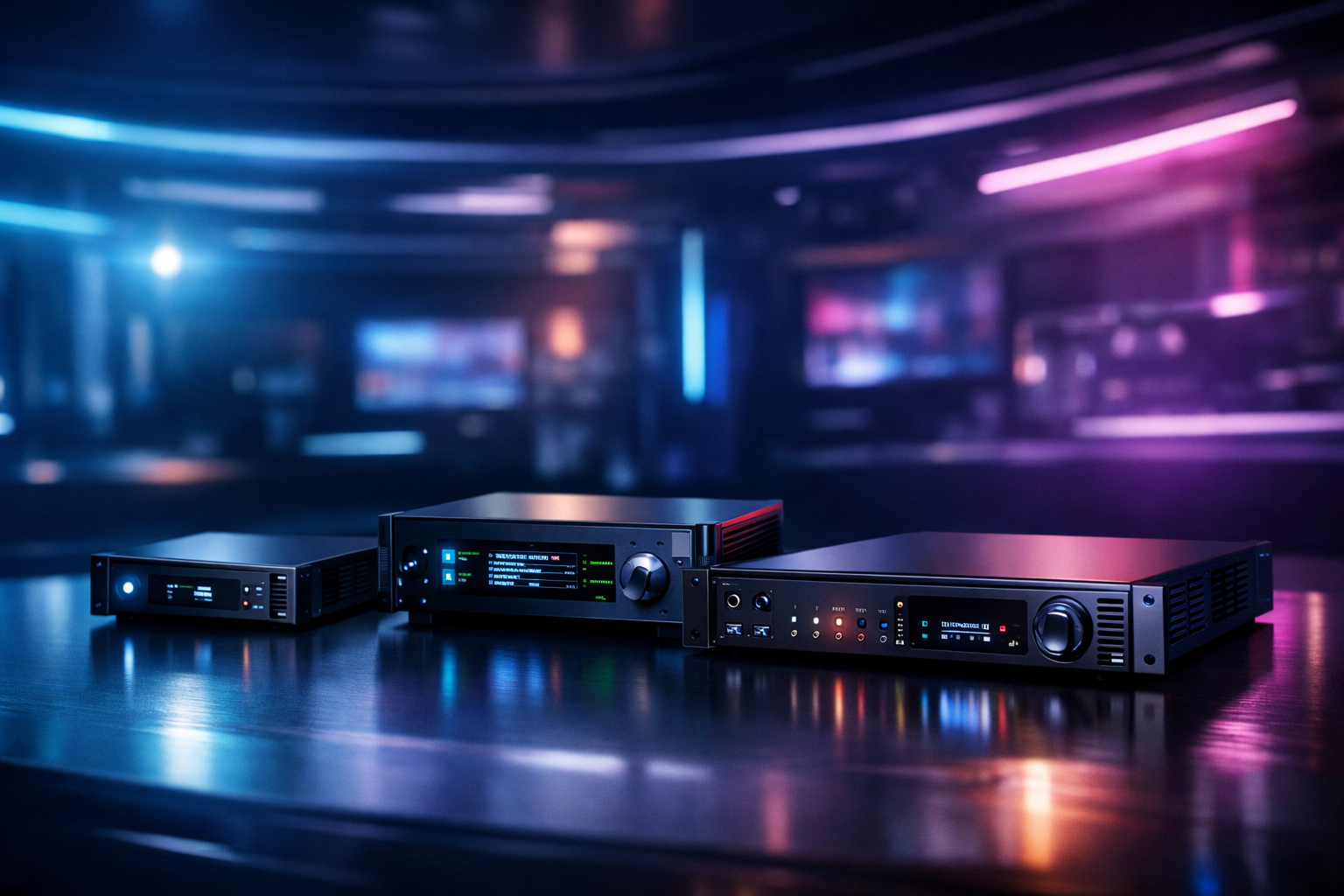
Best Hardware Encoders for Live Streaming in 2026 (and how to avoid cloud fees)
If you stream live audio or video in 2026—whether you’re a radio DJ, music streamer, podcaster, church broadcaster, school station, or a live event producer—your encoder choice can decide your quality, reliability, and your monthly bill. The right hardware encoder lets you stream with fewer dropouts, predictable latency, and (most importantly) avoid the per-hour/per-viewer cloud fees that can snowball on platforms like Wowza.
This review breaks down the best hardware encoders you can buy now, who they’re for, what they do well, what they don’t, and exactly how to connect them to Shoutcast hosting on Shoutcast Net for flat-rate streaming starting at $4/month with 99.9% uptime, SSL streaming, and unlimited listeners.
Bonus: You’ll also see how to design your workflow to stream from any device to any device and bridge any stream protocols to any stream protocols (RTMP, RTSP, WebRTC, SRT, etc) without getting trapped in expensive metered delivery.
Quick links
Goal: stable encoding + flat-rate delivery (no surprise invoices).
Table of contents
- Why choose a hardware encoder (and avoid cloud fees)
- What to look for: codecs, inputs, bitrate, latency, reliability
- Best hardware encoders for live streaming (2026 picks)
- Best picks for online radio DJs & podcasters (audio-first)
- Best picks for churches & live events (multi-cam and failover)
- How to connect your encoder to Shoutcast Net (RTMP/HLS options)
- Cost comparison: flat-rate hosting vs per-viewer/per-hour platforms
Why choose a hardware encoder (and avoid cloud fees)
A hardware encoder is a dedicated device (or purpose-built appliance) that converts your audio/video into a streamable format and pushes it to your host/CDN. Compared to running software encoding on a laptop, hardware encoders are built for one job: stable, continuous output for hours—sometimes days—without updates, popups, overheating, or someone accidentally closing the app.
The other big reason: cost control. Many creators get pulled into “managed streaming” platforms with per-hour ingest, per-viewer delivery, transcoding fees, and “overage” surprises. Wowza is a common example of expensive per-hour/per-viewer billing—great for some enterprise workflows, but painful for radio, churches, and schools that stream frequently.
With Shoutcast Net you can keep it simple: encode once, send to a flat-rate stream host, and scale without panic. You get unlimited listeners, SSL streaming, 99.9% uptime, and plans starting at $4/month plus a 7 days trial.
Hardware encoders are built for real-world streaming
- Reliability: dedicated OS, fewer crashes, less “computer stuff” to go wrong.
- Consistent latency: stable pipeline helps you aim for very low latency 3 sec when your protocol/workflow supports it.
- Better I/O: HDMI/SDI/XLR/network inputs without a mess of dongles.
- Remote management: dashboards, web UIs, and monitoring alerts.
- Failover options: dual-network, backup streams, and record-to-media while streaming.
Pro Tip
If you stream weekly (church services, school sports, radio shows), a hardware encoder + Shoutcast hosting is the fastest path to predictable costs. You avoid “metered” surprise bills and still stream from any device to any device via standard protocols.
What to look for: codecs, inputs, bitrate, latency, reliability
Not all encoders are equal. Some are perfect for a solo DJ streaming audio; others are designed for multi-camera events with SDI inputs and redundant networking. Here are the criteria that matter most in 2026.
1) Codec support (H.264, H.265/HEVC, AV1, AAC)
H.264 + AAC remains the most compatible combo for live streaming across devices. If your audience includes older phones, smart TVs, set-top boxes, or embedded players, H.264 is still the “safe bet.” H.265/HEVC can reduce bitrate for similar quality, but compatibility can be mixed. AV1 is growing but not universal for live playback—great if your delivery chain and audience devices support it.
2) Inputs: HDMI vs SDI vs USB vs XLR
- HDMI: common for cameras, switchers, and consumer gear; shorter cable runs.
- SDI: broadcast standard; long cable runs; locks better for events and installed systems.
- USB: handy for webcams or audio interfaces; not always ideal for long-term reliability.
- XLR/TRS: important if you need clean audio from mixers without additional adapters.
3) Bitrate range and rate control
Look for stable CBR (constant bitrate) or well-behaved VBR modes. For audio-only radio/podcasting, you may live around 64–192 kbps AAC/MP3 depending on quality goals. For video, 1080p can range anywhere from 3–8 Mbps depending on motion, codec, and target platform.
4) Latency targets (and what “low latency” really means)
Latency is a chain: capture → encode → ingest → packaging (HLS/DASH) → player buffer. If you truly need interaction (Q&A, auctions, live chat sync), you’ll care about workflows that can hit very low latency 3 sec under real conditions. That often requires the right protocol and player settings—not just a fast encoder.
5) Reliability and failover
If your stream is mission-critical, prioritize: dual Ethernet/Wi‑Fi, bonded cellular support (or USB modem options), stream backup profiles, and local recording. A good hardware encoder should keep streaming even if your laptop dies, your software updates, or someone unplugs the wrong cable.
Pro Tip
Choose an encoder that can output standard protocols so you’re not locked into a single vendor. The goal is flexibility: any stream protocols to any stream protocols (RTMP, RTSP, WebRTC, SRT, etc)—then route that into a flat-rate host like Shoutcast Net instead of paying metered delivery on Wowza-style platforms.
Best hardware encoders for live streaming (2026 picks)
Below are our 2026 hardware encoder picks across budgets and use cases. These are popular, proven devices used for radio studios, churches, schools, and events. We’re focusing on real-world streaming: stable encodes, common inputs, and predictable operation.
| Encoder | Best for | Inputs | Strengths | Watch-outs |
|---|---|---|---|---|
| Teradek VidiU Pro / Pro+ | Mobile events, churches, field streaming | HDMI (line audio) | Bonding options, solid ecosystem | Cost adds up with add-ons |
| Blackmagic Web Presenter HD | Simple, reliable “camera to stream” setups | SDI + HDMI | Looks like a webcam to a PC, great I/O | Not a standalone encoder by itself |
| AJA HELO Plus | Installations, broadcast-style reliability | HDMI + SDI | Record + stream, robust build | Interface can feel “engineering-first” |
| LiveU Solo | On-location streaming with cellular bonding | HDMI | Bonded streaming, field proven | Bonding services can be recurring |
| Epiphan Pearl Mini | Events needing switching + encoding | HDMI (varies by model) | All-in-one workflow, recording | Higher price tier |
| AVerMedia / Magewell encoder appliances | Value-focused HDMI ingest/encode | HDMI (some SDI models) | Good price/performance | Model lineup varies—spec carefully |
1) Teradek VidiU Pro / Pro+
Teradek’s VidiU line remains a strong choice for creators who need dependable encoding in a small box. It’s common in churches and event kits because it’s portable, quick to configure, and can scale into more advanced networking workflows.
Pros
- Compact and easy to deploy on-location.
- Strong ecosystem for remote monitoring and expansion.
- Good option when you need reliable streaming outside the studio.
Cons
- Some advanced features can introduce ongoing costs depending on workflow.
- If you’re primarily audio-first, it may be overkill.
Recommendation: Great for churches and event streamers who travel or need a “grab-and-go” encoder, especially when paired with flat-rate hosting so you’re not paying Wowza-style metered delivery.
2) AJA HELO Plus
AJA’s HELO Plus is built for reliability and installed environments—think venues, campuses, and production racks. It’s a favorite when you want streaming plus recording in one dependable unit.
Pros
- Strong “set it and forget it” reputation.
- HDMI + SDI input flexibility.
- Simultaneous stream and record helps with post-production.
Cons
- Higher upfront cost than entry-level boxes.
- Not designed for fancy switching—pair it with a switcher if needed.
Recommendation: Best for schools, churches, and venues that need a reliable installed encoder with clean I/O and local recording.
3) LiveU Solo
LiveU Solo is designed for the real world: unpredictable networks, crowded venues, and outdoor events. It’s known for cellular bonding workflows so you can keep streaming when a single connection would fail.
Pros
- Excellent for field streaming where internet is unreliable.
- Bonding improves stability for sports and on-location reporting.
- Portable for small crews.
Cons
- Bonding features can come with recurring service costs.
- Not necessary if you always stream from a stable wired network.
Recommendation: Ideal for live event streamers and school sports where network conditions change and you need the stream to stay up.
4) Epiphan Pearl Mini
Pearl Mini is a compact production appliance that can combine switching-like workflows with encoding and recording. It’s a strong fit for professional events when you want fewer moving parts than a PC-based setup.
Pros
- All-in-one production-style workflow.
- Great for events that need clean recording + streaming.
- Reduces dependence on a laptop/desktop.
Cons
- Premium pricing.
- Can be more than you need for single-camera streams.
Recommendation: Best for organizations that want a professional workflow appliance and can justify higher upfront cost to reduce operational headaches.
5) Blackmagic Web Presenter HD (special mention)
This one is not a standalone “push to RTMP” encoder in the traditional sense—it’s a hardware interface that makes your SDI/HDMI source appear as a webcam to a computer. Why does it make this list? Because it’s often the most reliable way to feed a dedicated streaming computer that runs your preferred software encoder, while keeping cabling and sync clean.
- Best for: creators who want software flexibility but hardware-grade I/O.
- Pair with: a stable mini PC + UPS for a “semi-hardware” broadcast chain.
Pro Tip
Even the best hardware encoder can’t fix a bad delivery plan. Avoid Wowza’s per-hour/per-viewer model when you stream frequently—use Shoutcast Net’s flat-rate approach so your audience can grow without your bill growing with it. Start with a 7 days trial.
Best picks for online radio DJs & podcasters (audio-first)
If your show is audio-first, “hardware encoder” often means a reliable audio chain: mixer/interface + a stable encoding device (dedicated PC, mini PC, or appliance) feeding Shoutcast/Icecast. The best setup is the one you can operate every day without troubleshooting.
Top recommendation: Dedicated mini PC (headless) as an “appliance encoder”
For DJs and podcasters, a small dedicated mini PC (or fanless industrial PC) running your preferred encoder software can behave like hardware—especially when it’s not used for anything else. Pair it with a UPS and you’ve got a studio-grade encoder that’s easy to maintain.
- Why it wins: flexible codec choices, easy remote access, and fast recovery.
- Best workflow: audio interface/mixer → mini PC encoder → Shoutcast Net stream.
- Perfect for: 24/7 radio with scheduled shows + backups.
Audio-first feature checklist
- AAC/MP3 support: choose what your audience devices support best.
- Stable CBR: helps avoid buffering on mobile networks.
- Metadata support: track titles, artist names, and show info.
- Backup source: if your live encoder drops, you want a fallback.
Where Shoutcast Net fits: live + AutoDJ
This is where Shoutcast Net is especially strong for broadcasters. You can run live shows when you want, then rely on AutoDJ to keep your station online the rest of the time. That means fewer “dead air” moments and a better listener experience without extra infrastructure.
- AutoDJ keeps music/talk running 24/7.
- Unlimited listeners so your audience growth doesn’t trigger overage bills.
- SSL streaming for modern browsers and embedded players.
- Start at $4/month with a 7 days trial.
Pro Tip
If you’re a DJ or school station, don’t pay metered delivery to “look professional.” Use Shoutcast Net + AutoDJ so you can go live when needed, stay online 24/7, and keep your costs flat—unlike Wowza’s expensive per-hour/per-viewer billing.
Best picks for churches & live events (multi-cam and failover)
Church and event streaming lives or dies by consistency. You need clean audio, stable video, simple operation for volunteers, and failover plans when the unexpected happens. In 2026, the best results usually come from a switcher + a dedicated encoder (or an all-in-one appliance).
Best overall reliability: AJA HELO Plus
If you want a rock-solid installed encoder that operators can trust every Sunday or every game day, HELO Plus is a top contender. It’s especially strong when paired with a separate switcher (ATEM-style or similar) handling multi-cam cuts.
Best for “stream anywhere”: LiveU Solo (bonded workflows)
For outdoor events, parades, sports fields, or temporary venues, LiveU Solo is hard to beat. Bonded connections help keep the stream stable when a single ISP line is unreliable.
Best for “fewer moving parts”: Epiphan Pearl Mini
When you want a compact production appliance that reduces dependence on laptops and complex software setups, Pearl Mini is a strong pick—especially when volunteers rotate and the system must be easy to operate.
Failover strategy that actually works
- Power: put your modem/router + encoder on a UPS.
- Network: keep a backup path (secondary ISP or cellular hotspot).
- Stream backup: maintain a secondary profile or backup encoder.
- Local record: always record so you can upload if the live stream fails.
And if your outreach plan includes simulcasting, design your pipeline so you can Restream to Facebook, Twitch, YouTube while still maintaining your own “home base” stream on Shoutcast Net. That way, you’re not dependent on a single platform’s algorithm, outages, or takedowns.
Pro Tip
For churches: keep your primary stream on Shoutcast Net (flat-rate, unlimited listeners), then Restream to Facebook, Twitch, YouTube as secondary channels. You protect your reach and avoid per-viewer/per-hour bills associated with legacy cloud models.
How to connect your encoder to Shoutcast Net (RTMP/HLS options)
Connecting a hardware encoder is usually simple: you paste your stream URL, stream key (or mount/password), and choose bitrate/codec. The exact fields vary by device, but the concept is the same: encoder → ingest → listeners.
Option A: Audio streaming to Shoutcast / Icecast
For radio DJs, podcasters, and audio-first broadcasters, Shoutcast Net is optimized for continuous audio streaming with modern features that go beyond legacy Shoutcast limitations. Choose Shoutcast hosting for classic compatibility, or icecast if your workflow prefers it.
# Typical audio encoder settings (example)
Codec: AAC (or MP3)
Bitrate: 128 kbps (music) / 64-96 kbps (talk)
Sample rate: 44.1 kHz or 48 kHz
Channels: Stereo (music) / Mono (talk for efficiency)
Reconnect: Enabled (5-10 seconds)
Option B: Video workflows (RTMP ingest, HLS delivery)
Many hardware video encoders output RTMP as the standard “push” protocol. From there, the stream can be packaged for HLS playback so your audience can watch on phones, desktops, and smart devices. When you design your workflow correctly, you can truly stream from any device to any device—camera/switcher/encoder in, web and mobile players out.
# Typical RTMP encoder fields (example format)
RTMP URL: rtmp://YOUR_INGEST_HOST/live
Stream Key: YOUR_STREAM_KEY

Video: H.264
Audio: AAC
Keyframe interval: 2 seconds (common)
Bitrate: 4500 kbps (1080p baseline)
Latency mode: Low (where available)
Building a flexible protocol bridge (advanced)
In real production, you may need to convert or bridge protocols: SRT contribution from the field, RTMP ingest to your origin, WebRTC for interactive backchannels, and HLS for broad playback. The best long-term approach is to keep your core hosting flat-rate and flexible so you can connect any stream protocols to any stream protocols (RTMP, RTSP, WebRTC, SRT, etc) without being forced into metered “managed streaming” billing.
If you’re unsure which option fits your setup, start with a 7 days trial and validate your encoder settings before committing.
Pro Tip
Turn on reconnect and set a reasonable keyframe interval (often 2 seconds for video). That alone prevents many “random drops.” Then keep delivery flat-rate with Shoutcast Net instead of paying Wowza’s expensive per-hour/per-viewer billing when your audience spikes.
Cost comparison: flat-rate hosting vs per-viewer/per-hour platforms
Encoder hardware is a one-time investment. Hosting is where most creators lose control of costs—especially when a platform charges by hours streamed, viewers served, bandwidth delivered, and adds separate line items for transcoding or recording.
Why per-hour/per-viewer billing hurts
Let’s say you stream a weekly church service, a couple of school games, or nightly DJ sets. A metered platform can look cheap at first, then become expensive as soon as your consistency and audience grow. That’s the problem with Wowza-style models: you can end up paying more because your stream succeeds.
Flat-rate streaming with Shoutcast Net
Shoutcast Net is designed for broadcasters who want predictable monthly pricing: plans start at $4/month, include SSL streaming, 99.9% uptime, and support growth with unlimited listeners. For radio stations and DJs, AutoDJ is a major advantage—especially compared to legacy Shoutcast limitations and older hosting stacks that struggle with modern browsers or scaling.
| Cost factor | Metered platforms (common model) | Shoutcast Net (flat-rate model) |
|---|---|---|
| Audience growth | Bill increases with viewers/listeners | Unlimited listeners keeps bills predictable |
| Streaming frequency | More hours = more cost | Stream as often as you want without per-hour penalties |
| Security & compatibility | Often extra tiers or add-ons | SSL streaming included |
| Always-on programming | Usually not included | AutoDJ available to keep you live 24/7 |
| Getting started | Complex estimates and usage forecasting | Simple signup + 7 days trial |
Our bottom-line recommendations (2026)
- Radio DJs / music streamers: prioritize audio stability + metadata + AutoDJ continuity on Shoutcast Net.
- Podcasters going live: use a stable audio chain and publish replays; keep costs flat as your audience grows.
- Churches: choose an encoder with recording + network resilience, then use Shoutcast Net as your reliable home base and optionally Restream to Facebook, Twitch, YouTube.
- Schools & sports: prioritize failover and portability; avoid metered platforms so big games don’t create big invoices.
If you’re ready to stream with predictable pricing and modern features, start here: Shoutcast hosting (or icecast), add AutoDJ if you want 24/7 programming, and lock in your workflow with a dedicated encoder you can trust.
Pro Tip
Before buying new gear, map your full chain: capture → encode → host → player. A solid hardware encoder is step one, but the biggest “fee leak” is delivery. Shoutcast Net’s flat-rate model (starting at $4/month) plus 7 days trial is the easiest way to test quality without committing to Wowza’s expensive per-hour/per-viewer billing.
Next step: build your flat-rate streaming stack
Pick the encoder that matches your production reality, then choose hosting that doesn’t punish you for growth. Shoutcast Net is built for broadcasters who want modern delivery without legacy constraints—so you can stream from any device to any device and keep your monthly costs steady.
- $4/month starting price
- Unlimited listeners
- 99.9% uptime and SSL streaming
- AutoDJ for 24/7 programming
- 7 days trial to test your encoder settings
Get started
Launch your stream today and scale without surprise fees.