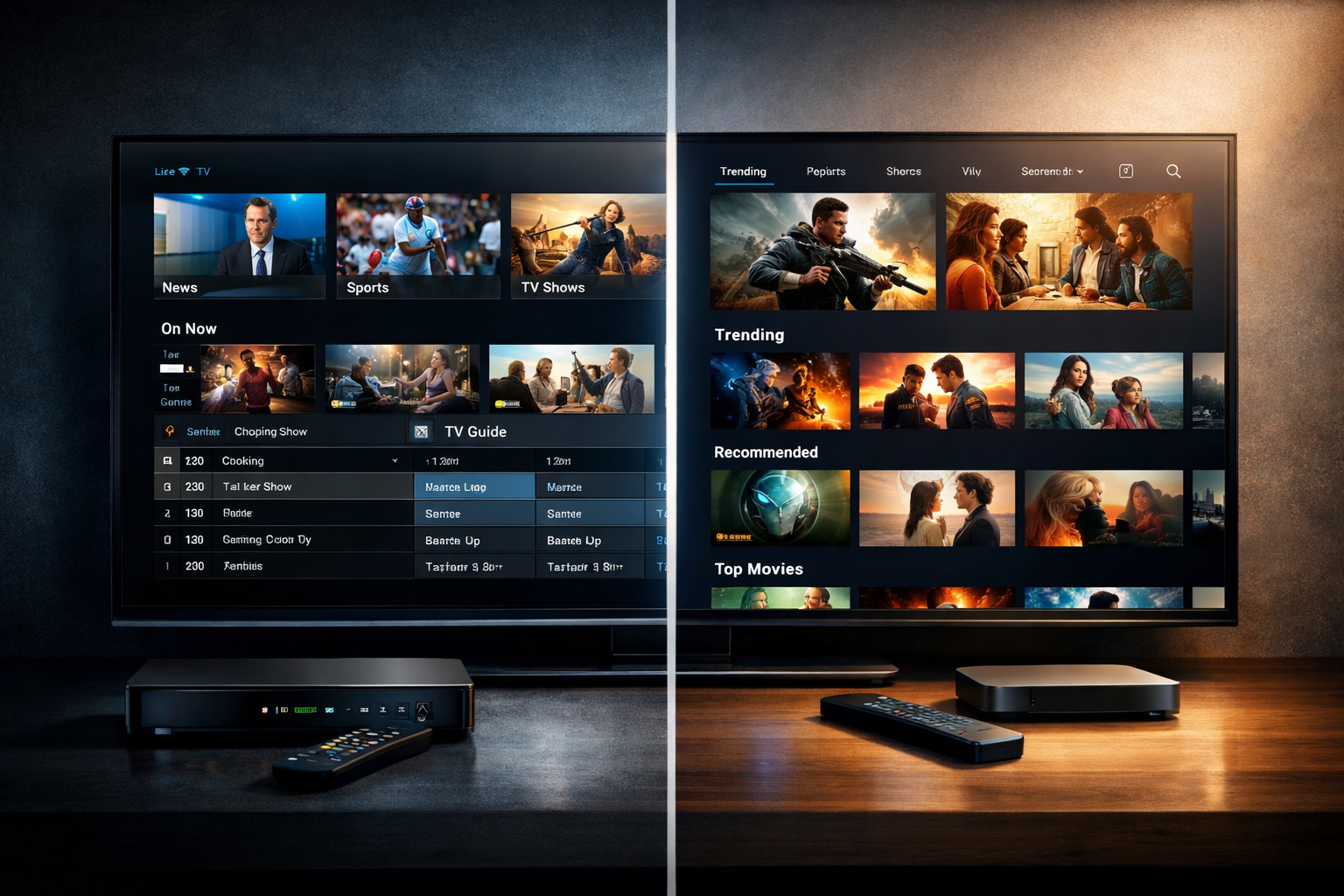
If you’ve been researching streaming technology in 2026, you’ve likely come across the terms IPTV and OTT. While they’re often used interchangeably, they are not the same — and understanding the IPTV vs OTT difference is critical for broadcasters, DJs, podcasters, churches, schools, and live event streamers.
The global video streaming market is projected to exceed $150 billion by 2027, and internet-based broadcasting continues to replace traditional cable and satellite systems. But which technology model applies to you as a content creator?
In this guide, we’ll break down the technical differences, costs, infrastructure requirements, and — most importantly — which option makes sense for independent broadcasters using platforms like Shoutcast hosting or Icecast streaming.
What Is IPTV?
IPTV (Internet Protocol Television) is a system where television content is delivered over a managed, private IP network, rather than through traditional satellite or cable systems.
How IPTV Works
IPTV providers typically operate through telecom or cable companies. Content is distributed via a controlled network infrastructure, often requiring:
- Set-top boxes
- Managed broadband networks
- Subscription-based access
- Closed infrastructure
Because IPTV runs on private networks, providers can guarantee bandwidth and quality of service (QoS). This makes it popular with telecom giants and enterprise-level broadcasters.
Examples of IPTV
- Telecom TV services from internet providers
- Hotel in-room television systems
- Corporate internal broadcasting systems
- Private campus networks
IPTV is typically not used by independent DJs, podcasters, or small stations because it requires infrastructure ownership or carrier partnerships.
Pro Tip
If you don’t own a telecom network or operate a cable company, IPTV is likely not the model you need. Most online broadcasters fall under OTT streaming instead.
What Is OTT?
OTT (Over-The-Top) refers to content delivered over the public internet without requiring a managed network. Users simply connect via a browser, app, smart TV, or streaming device.
How OTT Works
OTT content is delivered using internet protocols via standard hosting servers and CDNs (Content Delivery Networks). Unlike IPTV, OTT does not require:
- Private telecom infrastructure
- Dedicated set-top boxes
- Carrier-controlled networks
Instead, it relies on:
- Cloud streaming servers
- Public internet access
- Adaptive bitrate delivery
- Mobile and web apps
Examples of OTT Platforms
- Netflix
- YouTube
- Spotify
- Internet radio stations
- Podcast streaming platforms
If you run an online radio station using AutoDJ, host your stream with Shoutcast Net, or broadcast church services online — you are using OTT technology.
Pro Tip
OTT streaming allows you to start broadcasting globally for as little as $4/month with Shoutcast Net hosting, without owning any physical network infrastructure.
IPTV vs OTT: Key Differences Explained
Here’s a clear comparison to highlight the IPTV vs OTT difference in practical terms:
| Feature | IPTV | OTT |
|---|---|---|
| Network Type | Private managed network | Public internet |
| Infrastructure Required | Telecom/cable operator infrastructure | Cloud hosting + CDN |
| Accessibility | Limited to provider network | Global access via internet |
| Startup Cost | High (enterprise-level) | Low (as little as $4/month) |
| Best For | Telecom operators | Independent broadcasters |
Quality and Latency
IPTV can offer slightly lower latency because it operates in a controlled environment. However, modern OTT streaming with adaptive bitrate and edge CDN technology now achieves sub-5-second latency in many cases.
For radio DJs and podcasters, this difference is negligible. Audio streaming via Shoutcast or Icecast is already highly optimized and designed for real-time listener engagement.
Pro Tip
For audio broadcasters, OTT streaming provides all the quality you need — especially when using SSL-secured streams and 99.9% uptime hosting environments.
Which Is Better for Broadcasters?
For nearly every independent content creator — OTT is the clear winner.
Why OTT Is Ideal for DJs and Online Radio
- No infrastructure ownership required
- Global listener reach
- Works on smartphones, smart speakers, and browsers
- Low startup costs
- Easy integration with apps and websites
For example, a school radio station can launch an OTT stream using Shoutcast hosting, enable AutoDJ for automated playlists, and reach unlimited listeners worldwide — all without technical networking knowledge.
Church broadcasters can stream Sunday services securely with SSL encryption and share a simple streaming link on their website or social media.
Pro Tip
If your goal is global reach, easy setup, and scalable growth, OTT streaming through Shoutcast Net offers unlimited listeners, 99.9% uptime, and a 7-day free trial to test your station risk-free.
Cost and Infrastructure Comparison
IPTV Costs
Launching an IPTV network can require:
- Dedicated fiber infrastructure
- Middleware platforms
- Set-top box distribution
- Licensing agreements
Costs often run into hundreds of thousands of dollars or more.
OTT Costs
OTT streaming dramatically lowers barriers to entry. With Shoutcast Net:
- Plans start at $4/month
- 7-day free trial available via Try for Free
- No hardware required
- AutoDJ included
- SSL streaming included
- Unlimited listener capacity
All you need is a computer, microphone, and broadcasting software like Mixxx, SAM Broadcaster, or BUTT encoder.
Example Basic Setup:
Laptop or PC
USB Microphone
Broadcast Software (e.g., Mixxx)
Shoutcast Net Streaming Server
Internet Connection (5 Mbps+ recommended)
Pro Tip
Most new broadcasters can launch their OTT stream in under 30 minutes using Shoutcast Net’s control panel and AutoDJ features.
How to Get Started with Streaming
If you’re a DJ, podcaster, church leader, or event organizer, here’s how to begin your OTT streaming journey:
Step 1: Choose a Streaming Server
Select reliable hosting like Shoutcast Net or Icecast hosting.
Step 2: Upload Music or Prepare Live Setup
Use AutoDJ to automate playlists or connect your broadcasting software for live sessions.
Step 3: Share Your Stream
Embed the player on your website, submit to radio directories, and promote on social media platforms.
Step 4: Scale as You Grow
Upgrade bitrate, expand programming, and add more live shows as your audience increases — without changing infrastructure.
Ready to start? Visit the Shop to view plans or activate your 7-day free trial today.
Pro Tip
You don’t need IPTV to build a successful broadcast brand. OTT streaming gives you professional-grade infrastructure at a fraction of the cost — with global reach from day one.