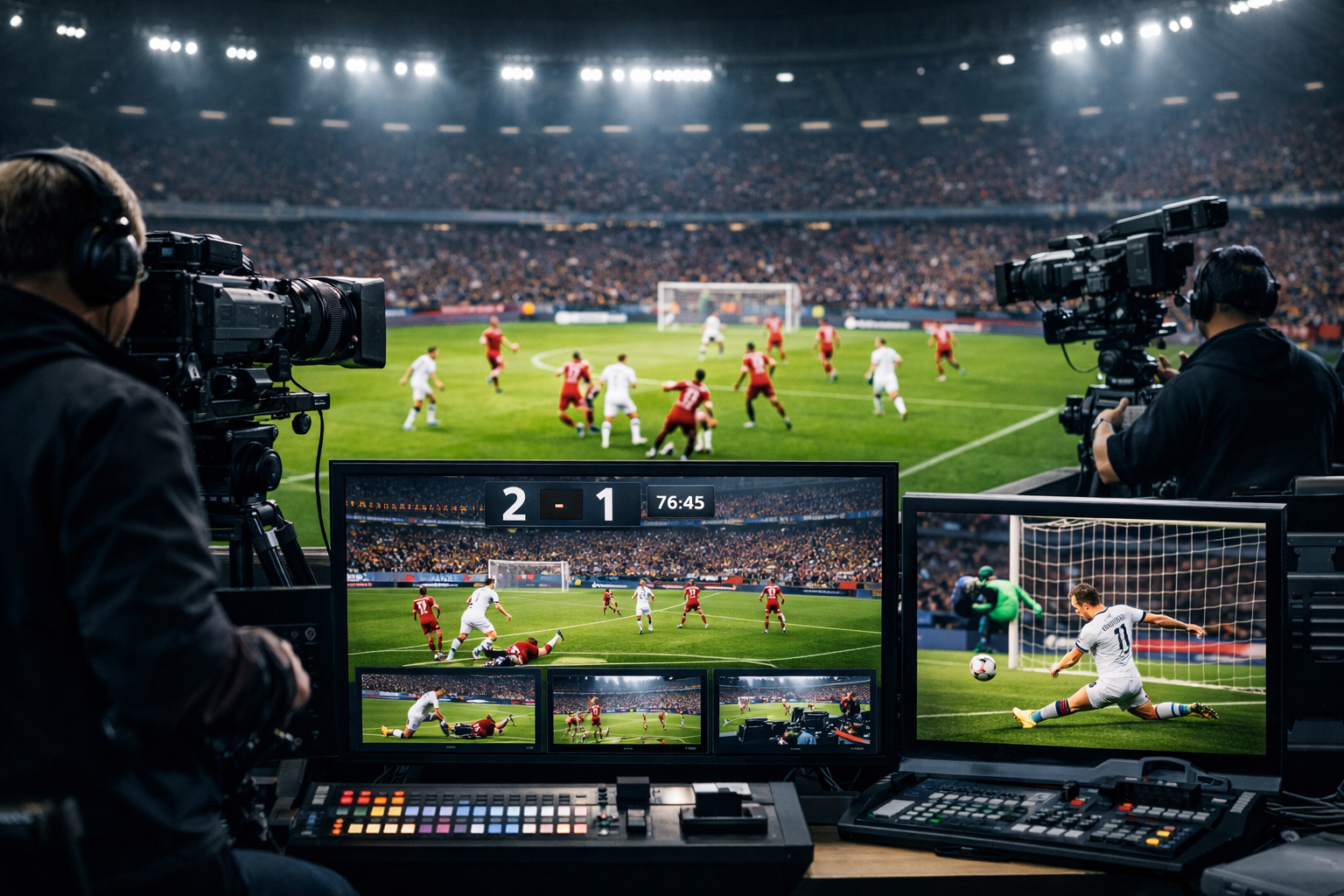
Why Live Streaming for Sports Events Matters in 2026
Live streaming for sports events has evolved from a “nice-to-have” add-on into a core broadcasting channel for schools, community clubs, churches, independent commentators, and online radio stations. In 2026, audiences expect instant access to matches, tournaments, and live commentary on their phones, smart speakers, and car dashboards.
For radio DJs, podcasters, and music streamers, sports live streaming opens a powerful opportunity: expand beyond music into real-time, high-engagement content. Whether you're covering a local football match, school basketball tournament, esports competition, or church softball league, live sports streaming builds loyal listeners faster than almost any other content format.
Why Sports Streaming Is Growing Fast
- Mobile-first audiences: Fans listen from smartphones, car audio systems, and Bluetooth speakers.
- Local demand: Not every event is covered by major networks—communities rely on independent broadcasters.
- Lower equipment costs: Professional-quality streams are possible on modest budgets.
- Monetization potential: Sponsorships, ads, and membership models thrive in sports content.
With affordable hosting solutions starting at just $4 per month and options like a 7-day free trial, even small stations can compete professionally. Modern streaming platforms offer SSL streaming, unlimited listeners, and 99.9% uptime, ensuring your broadcast stays stable during high-demand moments like overtime or penalty shootouts.
Pro Tip
Sports fans care about reliability. If your stream drops during a crucial goal, you may lose listeners permanently. Always use a professional streaming host with guaranteed uptime and scalable listener capacity.
Essential Equipment for Sports Live Streaming
You don’t need a television studio to stream sports professionally. However, you do need the right combination of audio equipment, internet connectivity, and encoding hardware. Audio clarity is especially critical—listeners must clearly hear commentary over crowd noise.
Core Equipment Checklist
- Microphones: Dynamic microphones (e.g., broadcast-style mics) to reduce crowd noise.
- Headsets: Closed-back headphones for monitoring without feedback.
- Audio mixer: Hardware mixer or USB interface for multiple commentators.
- Laptop or PC: Reliable device for encoding and streaming.
- Stable internet connection: Minimum 5–10 Mbps upload speed recommended.
- Backup internet: 4G/5G hotspot as failover.
Optional but Powerful Upgrades
- Portable field recorder for redundancy.
- Compressor/limiter for balanced audio levels.
- External battery packs for outdoor events.
- Windshields for outdoor microphones.
For school radio stations and churches covering local tournaments, a simple two-mic setup and USB mixer can produce excellent results. Focus first on clean, balanced audio before investing in advanced gear.
Pro Tip
Always perform a full sound check at the venue. Crowd noise changes dramatically once the game begins—set your gain levels slightly lower than rehearsal levels to avoid distortion.
Encoder and Streaming Software Configuration
Your encoder converts live audio into a digital stream that listeners can access worldwide. Popular options include Mixxx, BUTT (Broadcast Using This Tool), SAM Broadcaster, RadioBOSS, and OBS Studio (for audio + video).
Recommended Audio Settings for Sports
- Bitrate: 128 kbps MP3 or 64–96 kbps AAC+
- Sample Rate: 44.1 kHz
- Channels: Stereo (or mono for bandwidth savings)
- Buffer: 5–10 seconds for stability
Example Shoutcast Encoder Configuration
Server Type: Shoutcast v2
Address: yourserver.shoutcastnet.com
Port: 8000
Stream ID: 1
Password: ********
Bitrate: 128 kbps
Encoder: MP3
Once configured, test your stream privately before going live. Check for latency, clarity, and dropouts.
If you're not broadcasting live 24/7, you can integrate AutoDJ to automatically play music, sponsor ads, or pre-recorded segments when no live commentator is connected.
Pro Tip
Use a compressor plugin in your software chain. Sports commentary can shift from calm analysis to shouting during a goal—compression keeps volume levels consistent for listeners.
Choosing the Right Streaming Host (Shoutcast vs Icecast)
Your streaming host determines your reliability, listener capacity, and overall audio delivery quality. Two of the most popular server types are Shoutcast and Icecast.
| Feature | Shoutcast | Icecast |
|---|---|---|
| Ease of Setup | Very beginner-friendly | Moderate |
| Compatibility | Widely supported | Open-source flexibility |
| Performance | Optimized for radio streaming | Highly customizable |
| Best For | Radio stations, DJs, sports commentary | Advanced custom setups |
At Shoutcast Hosting, plans start from just $4/month, include SSL streaming, 99.9% uptime, and allow unlimited listeners. You can also explore Icecast hosting if you prefer an open-source environment.
If you're just starting with sports broadcasting, Shoutcast is typically the easiest and most reliable choice.
Pro Tip
Choose a host that offers instant setup and a free trial. Test your full sports workflow before match day using a 7-day free trial.
Step-by-Step: How to Launch Your Sports Live Stream
1. Set Up Your Hosting Account
Purchase a plan from Shoutcast Net or start with a free trial. Retrieve your server IP, port, and password.
2. Configure Your Encoder
Enter your server credentials into your broadcasting software and test the connection.
3. Connect and Test Audio Equipment
Plug in microphones, adjust gain levels, and monitor using headphones.
4. Perform a Private Test Stream
Stream for 15–30 minutes before the event. Listen from a mobile device using cellular data.
5. Go Live 15 Minutes Early
Start with intro music, sponsor messages, or pre-game commentary to ensure everything runs smoothly.
Pro Tip
Always have a backup plan. If your main laptop fails, keep a second device logged into your encoder and ready to connect instantly.
Monetization, Sponsorships, and Audience Growth Strategies
Live sports streaming offers strong monetization potential because fans are highly engaged and emotionally invested.
Monetization Ideas
- Local sponsorships: Promote small businesses during halftime.
- Pre-roll and mid-roll ads: Insert via AutoDJ.
- Membership access: Offer premium commentary feeds.
- Affiliate partnerships: Promote sports gear or merchandise.
Audience Growth Tactics
- Share match schedules on social media.
- Create highlight recap podcasts.
- Embed your player on school or church websites.
- Encourage live listener shoutouts.
Consistency builds credibility. Stream every game in a season and promote your station as the official audio home for that team or league.
With reliable hosting, professional audio quality, and strategic promotion, your sports live stream can evolve into a profitable and respected broadcasting platform in 2026.
Pro Tip
Secure sponsors before the season starts. Offer bundled packages covering all games to guarantee revenue and simplify ad scheduling.