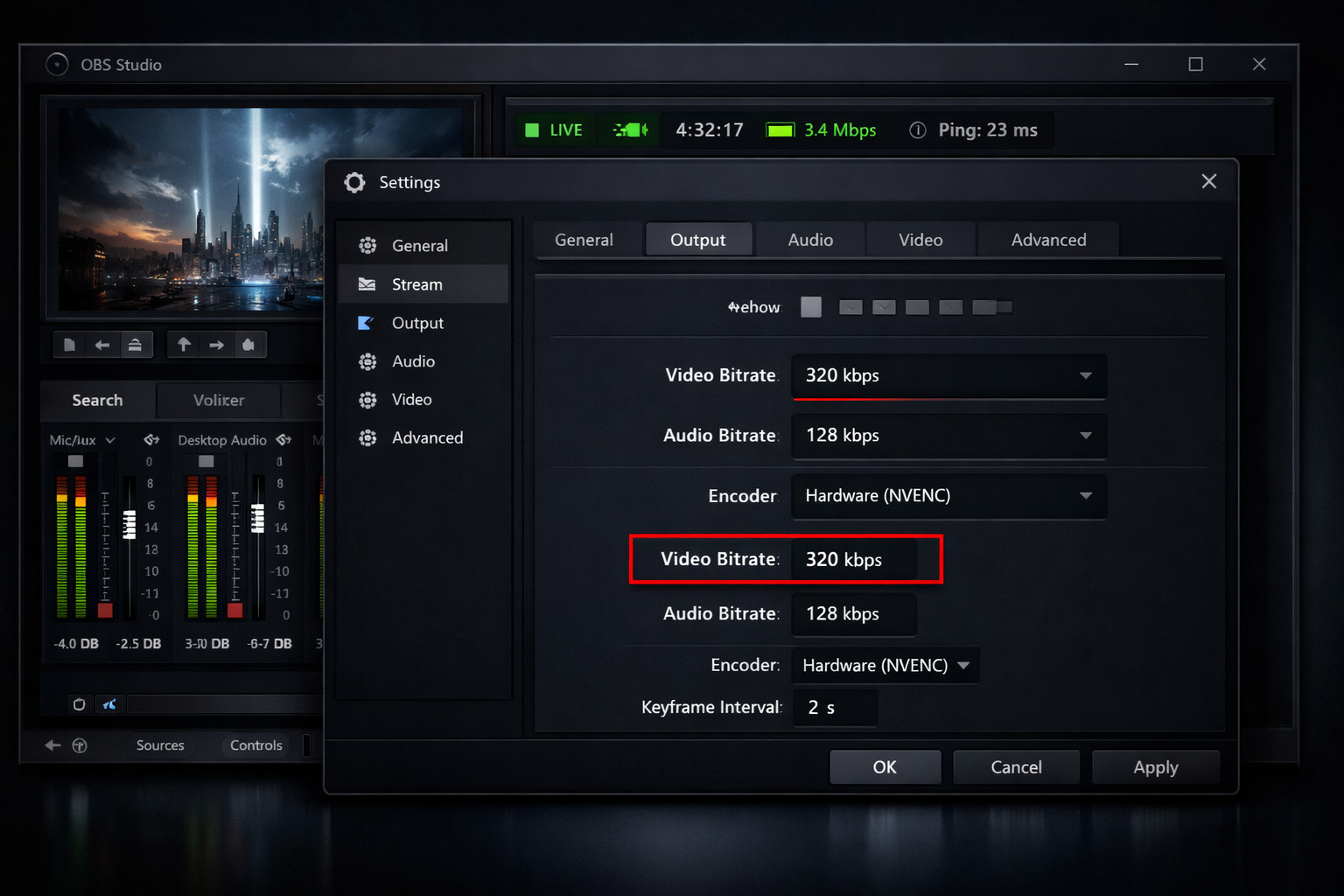
OBS Best Bitrate Settings for Streaming in 2026 (Complete Guide for DJs & Broadcasters)
Choosing the best OBS bitrate settings can make the difference between a professional, crystal-clear broadcast and a stream filled with buffering, distortion, or dropped frames. Whether you're a radio DJ, music streamer, podcaster, church broadcaster, school station manager, or live event producer, your bitrate directly affects your audio quality, viewer experience, and server performance.
In this complete 2026 guide, we’ll break down exactly what bitrate means, what settings you should use for audio-only and video streams, how to match bitrate to your upload speed, and how to optimise OBS for Shoutcast hosting or Icecast hosting.
Let’s dive in.
What Is Bitrate in OBS and Why It Matters
Bitrate refers to the amount of data transmitted per second in your stream. It’s typically measured in kbps (kilobits per second). In OBS, you’ll configure bitrate separately for audio and video (if you’re streaming with visuals).
Why Bitrate Is So Important
- Higher bitrate = better quality (clearer sound, sharper video)
- Lower bitrate = smaller bandwidth usage (easier for listeners to tune in)
- Too high = buffering for listeners
- Too low = muddy audio or pixelated video
For radio DJs and music streamers, bitrate directly affects how your music sounds. For churches and live video broadcasters, it determines how sharp your camera feed looks during sermons or performances.
The key is balance: you want the highest quality possible without exceeding your internet upload capacity or overwhelming your audience’s connection.
Pro Tip
Bitrate isn’t just about quality — it also affects listener compatibility. Many mobile listeners struggle with ultra-high bitrates. For public internet radio, 128kbps is often the sweet spot.
Best OBS Bitrate for Audio-Only Streaming (Radio & Podcasts)
If you’re running an online radio station, DJ stream, or podcast broadcast, your focus is audio clarity — not video. That means your bitrate decisions are simpler, but still crucial.
Recommended Audio Bitrates for 2026
| Content Type | Recommended Bitrate |
|---|---|
| Talk Radio / Podcasts | 64–96 kbps |
| Music Radio (Standard Quality) | 128 kbps |
| High-Quality Music / DJ Sets | 192–256 kbps |
Best All-Around Setting for Internet Radio
For most Shoutcast and Icecast broadcasters, 128 kbps MP3 or AAC offers the perfect balance of:
- Excellent music clarity
- Strong mobile compatibility
- Low buffering risk
- Efficient bandwidth usage
OBS Audio Settings Example
Audio Bitrate: 128 kbps
Sample Rate: 44.1 kHz
Channels: Stereo
Encoder: AAC (recommended) or MP3
If you're using a dedicated streaming server from Shoutcast Net (starting at just $4/month with a 7-day free trial), 128 kbps works perfectly for unlimited listeners with 99.9% uptime and SSL streaming.
Pro Tip
If your station targets mobile listeners, choose 128 kbps AAC instead of 192 kbps MP3. AAC delivers similar perceived quality at lower bitrates.
Best OBS Bitrate for Video Streaming (Church & Live Shows)
For churches, school events, live concerts, and DJ video streams, bitrate decisions become more complex because video consumes significantly more bandwidth than audio.
Recommended Video Bitrates (2026 Standards)
| Resolution | FPS | Recommended Bitrate |
|---|---|---|
| 720p | 30fps | 2500–4000 kbps |
| 1080p | 30fps | 4500–6000 kbps |
| 1080p | 60fps | 6000–9000 kbps |
Best Setting for Most Churches
For church services and conferences, 1080p at 30fps with 4500–6000 kbps provides excellent clarity without overwhelming typical broadband connections.
If your audience includes rural viewers or elderly members with slower internet, consider 720p at 3500 kbps for better accessibility.
Pro Tip
More bitrate won’t fix poor lighting. Improve your camera lighting before increasing bitrate — you’ll get better quality gains without increasing bandwidth.
CBR vs VBR: Which Should You Use in 2026?
OBS allows you to choose between CBR (Constant Bitrate) and VBR (Variable Bitrate). Understanding the difference is crucial.
CBR (Constant Bitrate)
- Sends data at a fixed rate
- More stable for live streaming
- Preferred by most streaming servers
VBR (Variable Bitrate)
- Adjusts bitrate dynamically
- More efficient for recordings
- Less predictable for live broadcasts
For live radio and live video streaming, always choose CBR. It ensures stable delivery to Shoutcast and Icecast servers.
Rate Control: CBR
Bitrate: (Set based on your resolution)
Keyframe Interval: 2 seconds
Preset: Quality or Balanced
Pro Tip
Some servers may reject VBR streams entirely. If your stream keeps disconnecting, double-check that CBR is enabled.
How to Match OBS Bitrate With Your Upload Speed
Your upload speed is the hard limit of your stream quality. If your bitrate is too close to your maximum upload speed, your stream will stutter or disconnect.
The 70% Rule
Never use more than 70% of your total upload speed for streaming.
Example:
- Upload speed: 10 Mbps
- 70% safe limit: 7 Mbps
- Maximum safe bitrate: 7000 kbps
This leaves room for:
- Network fluctuations
- Other devices using the internet
- System overhead
Pro Tip
Always use a wired Ethernet connection for streaming. WiFi can cause sudden bitrate drops, even if your speed test looks fine.
Optimized OBS Settings for Shoutcast Net Servers
If you're streaming to Shoutcast Net, here are fully optimised OBS settings for maximum stability and audio clarity.
Audio-Only Radio Setup
Output Mode: Advanced
Encoder: AAC
Bitrate: 128 kbps
Sample Rate: 44.1 kHz
Channels: Stereo
Rate Control: CBR
Video + Audio Setup (Church or Live Events)
Resolution: 1920x1080
FPS: 30
Rate Control: CBR
Bitrate: 5000 kbps
Keyframe Interval: 2
Audio Bitrate: 160 kbps
With Shoutcast Net you get:
- Plans starting at $4/month
- 7-day free trial — no risk
- AutoDJ support (learn more)
- Unlimited listeners
- 99.9% uptime
- SSL-secured streaming
You can launch your station in minutes via the Shoutcast Net shop or start with a free 7-day trial here.
Pro Tip
If your internet drops mid-show, use AutoDJ as a backup playlist. Your stream stays live even if OBS disconnects.
Getting your OBS bitrate right is one of the most important technical decisions you’ll make as a broadcaster. Use the recommendations in this guide, test your stream privately, and always prioritise stability over chasing maximum numbers. A smooth 128 kbps stream beats a buffering 320 kbps stream every time.