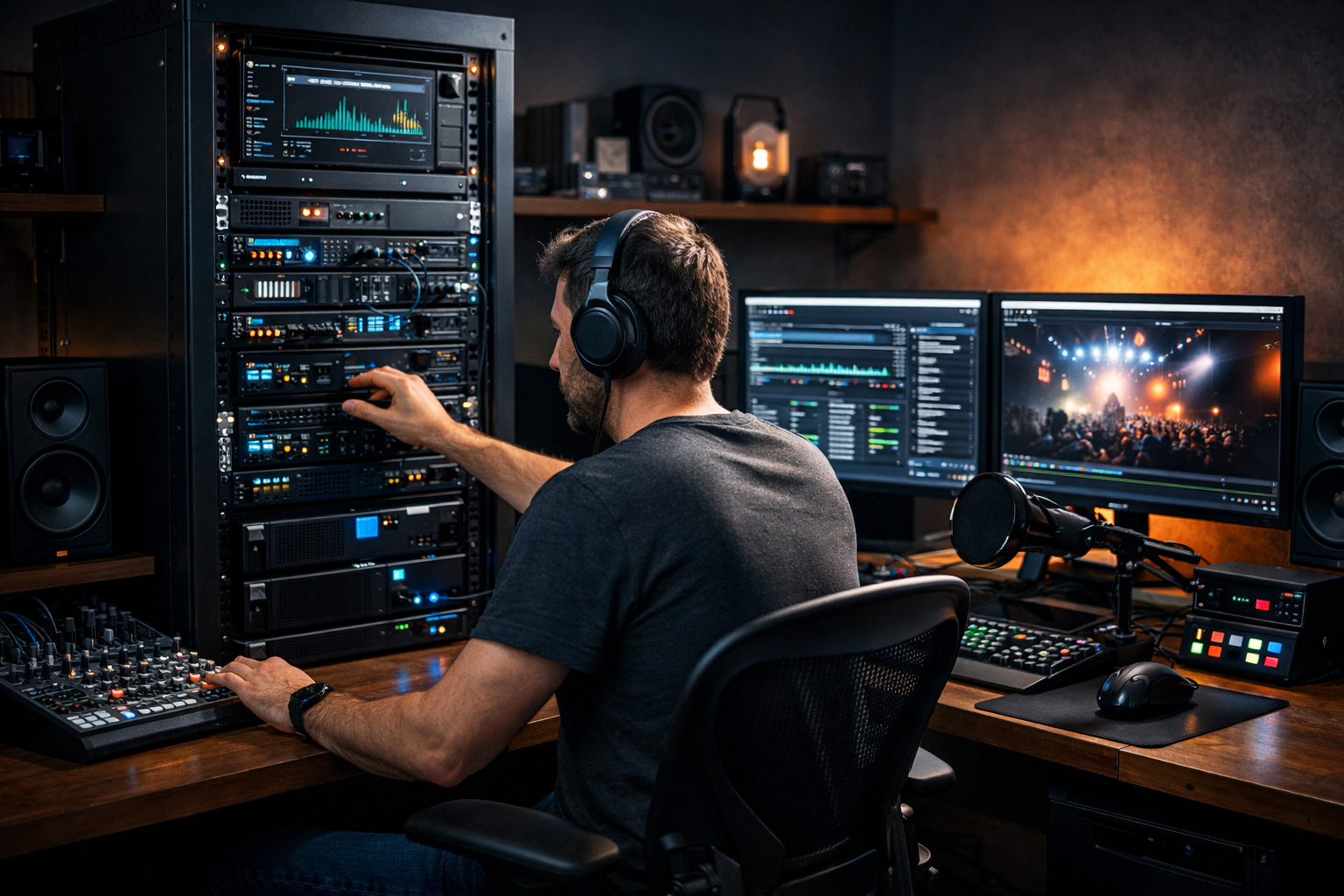
Self Hosted Live Streaming Server: Is It Still Worth It for Broadcasters in 2026?
A self hosted live streaming server used to be the default choice for serious online broadcasters. If you wanted full control, maximum flexibility, and long-term scalability, you installed SHOUTcast or Icecast on your own VPS or dedicated server and managed everything yourself.
But in 2026, the landscape has changed. Cloud infrastructure is more complex, bandwidth costs are unpredictable, cyber threats are more common, and managed streaming hosting has become extremely affordable — starting at just $4 per month with providers like Shoutcast Net.
So the big question is: Is self-hosting still worth it? In this detailed guide, we’ll break down what self-hosting really means, how to set it up, the real costs involved, and whether it makes sense for DJs, churches, podcasters, schools, and live event streamers in 2026.
What Is a Self Hosted Live Streaming Server?
A self hosted live streaming server is a streaming setup where you rent or own the server infrastructure and install the streaming software yourself — instead of using a managed hosting provider.
What You’re Responsible For
When you self-host, you manage:
- ✔ Server provisioning (VPS, cloud, or dedicated)
- ✔ Operating system setup (usually Linux)
- ✔ Installing SHOUTcast or Icecast
- ✔ SSL certificates for HTTPS streaming
- ✔ Firewall and DDoS protection
- ✔ Updates and security patches
- ✔ Monitoring uptime and performance
- ✔ Backups and redundancy
In contrast, managed platforms like Shoutcast Net handle all of this for you — including 99.9% uptime, SSL streaming, and unlimited listeners — while you focus on broadcasting.
Pro Tip
Self-hosting makes the most sense when you need full infrastructure control — for example, running multiple custom applications alongside your stream. If your goal is simply broadcasting audio reliably, managed hosting is often far more efficient.
How to Set Up Your Own Streaming Server
Setting up your own live streaming server is absolutely possible — but it requires technical confidence. Here’s what the process typically looks like in 2026.
Step 1: Choose Your Server
Most broadcasters use:
- VPS (Virtual Private Server) – Affordable and scalable
- Cloud instances – Flexible but can become expensive with bandwidth
- Dedicated server – High performance, higher cost
For example, a Linux VPS running Ubuntu 22.04 is a common starting point.
Step 2: Install SHOUTcast or Icecast
After SSH access is configured, you install your streaming server software.
sudo apt update
sudo apt install icecast2
Or download and manually configure SHOUTcast from the official binaries.
Step 3: Configure Your Stream
You’ll need to configure:
- Port numbers (e.g., 8000)
- Source passwords
- Admin credentials
- Maximum listeners
- Bitrate limits
<limits>
  <clients>500</clients>
  <sources>2</sources>
</limits>
Step 4: Secure the Server
In 2026, running an unsecured streaming server is extremely risky. You must:
- Install SSL certificates
- Configure firewall rules
- Set up fail2ban or intrusion detection
- Monitor logs for abuse
Without proper security, your server can be hijacked or overwhelmed by traffic spikes.
Pro Tip
Always separate your streaming server from your main website server. A traffic spike or DDoS attack on your stream shouldn’t bring down your entire online presence.
The Real Costs of Self-Hosting in 2026
Many broadcasters assume self-hosting is cheaper. On paper, it might look that way — but the real costs add up quickly.
Direct Costs
- VPS hosting: $15–$60/month
- Bandwidth overages: Can spike unexpectedly
- Control panel software (if used)
- Backup storage
Hidden Costs
- Your time managing the server
- Security monitoring
- Emergency troubleshooting
- Downtime during updates
Compare that with Shoutcast Net plans starting at $4/month, including:
- ✔ Unlimited listeners
- ✔ 99.9% uptime
- ✔ SSL streaming
- ✔ Web-based control panel
- ✔ Built-in AutoDJ
- ✔ 7-day free trial
Pro Tip
If your time is worth even $20/hour, just two hours of troubleshooting per month makes self-hosting more expensive than a fully managed streaming plan.
Pros and Cons for DJs, Churches, and Podcasters
| Pros of Self-Hosting | Cons of Self-Hosting |
|---|---|
| Full server control | Technical complexity |
| Custom configurations | Higher real-world costs |
| Flexible integrations | Security responsibility |
| No provider restrictions | No managed support |
For church broadcasters and school radio stations, reliability is often more important than technical control. For DJs and music streamers, uptime during live shows is critical. For podcasters, automation and ease of publishing matter more than server root access.
Pro Tip
If your broadcast supports a community, congregation, or paying audience, reliability should be your top priority — not DIY control.
Self-Hosted vs Managed Streaming Hosting
| Feature | Self-Hosted | Managed Hosting |
|---|---|---|
| Setup Time | Hours or days | Minutes |
| Technical Skill Required | High | Low |
| Security Management | You manage | Provider managed |
| AutoDJ | Manual setup | Built-in |
| Monthly Cost | $15–$60+ | From $4/month |
With platforms like Icecast hosting and SHOUTcast hosting fully managed, the value equation has shifted heavily toward managed services in 2026.
Pro Tip
Test managed hosting risk-free before committing. Start with a 7-day free trial and compare performance to your current setup.
Is a Self Hosted Live Streaming Server Worth It Today?
In 2026, self-hosting still has a place — but it’s niche.
It makes sense if:
- You run multiple custom applications on one server
- You require highly specialized configurations
- You have in-house Linux server expertise
For most broadcasters — especially DJs, churches, schools, podcasters, and live event streamers — managed hosting provides:
- ✔ Lower overall cost
- ✔ Higher reliability
- ✔ Better security
- ✔ Faster setup
- ✔ Built-in AutoDJ and SSL
Instead of spending time patching servers, you can focus on content, audience growth, and monetisation.
If you want the simplest, most reliable way to stream in 2026, explore Shoutcast hosting starting at just $4/month — or launch your station today with a 7-day free trial.
Final Takeaway
Self-hosting is no longer the default smart choice — it’s the advanced option for technically skilled broadcasters with specific infrastructure needs. For everyone else, managed streaming hosting delivers better reliability, lower stress, and more time to focus on what truly matters: your broadcast.