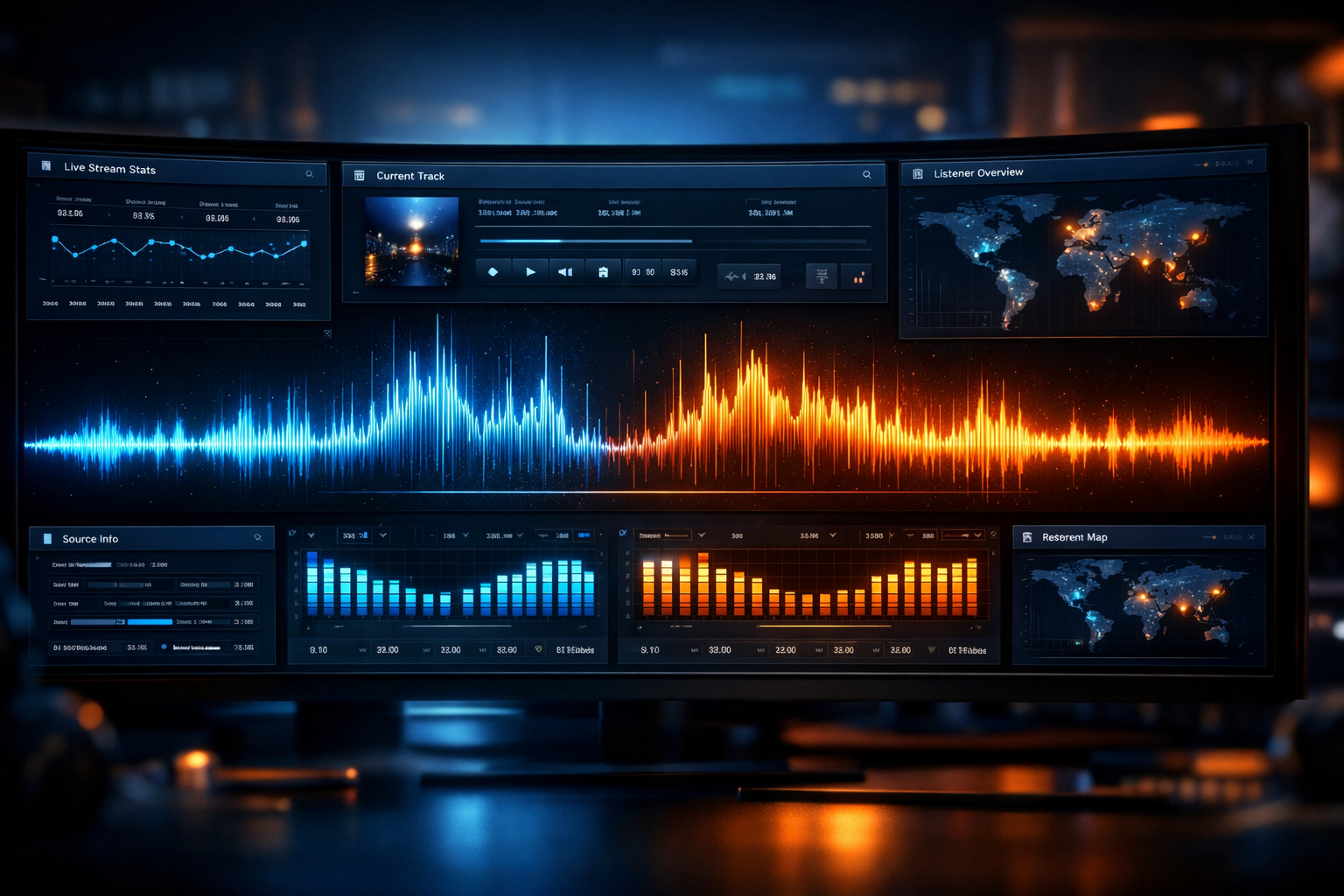
Shoutcast Hosting in 2026: The Complete Setup Guide for Online Radio Stations
Whether you're a radio DJ launching your first online station, a church streaming weekly services, a school running a student broadcast, or a live event organiser reaching a global audience, Shoutcast hosting remains one of the most reliable and scalable ways to stream audio online in 2026.
In this complete guide, we’ll walk you through everything you need to know — from understanding how Shoutcast works to setting up your server, configuring AutoDJ, improving audio quality, and choosing the right hosting plan for your needs.
If you’re ready to launch, you can explore our Shoutcast hosting plans or start with a 7-day free trial.
What Is Shoutcast Hosting and How Does It Work?
Shoutcast hosting is a streaming server solution that allows you to broadcast live or pre-recorded audio over the internet. Originally developed by Nullsoft, Shoutcast has evolved into one of the most widely used streaming technologies for online radio stations worldwide.
How Shoutcast Works
At its core, Shoutcast uses a client-server model:
- Source Client – Software like Winamp, BUTT, Mixxx, Virtual DJ, or RadioBOSS sends audio to your server.
- Shoutcast Server – Hosted on a high-performance machine (like those at Shoutcast Net), it distributes your stream to listeners.
- Listeners – Connect via a web player, mobile app, smart speaker, or media player.
When you go live, your audio is encoded (usually MP3 or AAC+), sent to the Shoutcast server, and then relayed to all connected listeners simultaneously. With professional hosting, you can support unlimited listeners, SSL encryption, and 99.9% uptime.
Shoutcast vs Self-Hosting
While you can technically install Shoutcast on your own VPS or dedicated server, most broadcasters choose managed hosting because it eliminates:
- Server maintenance and updates
- Bandwidth limitations
- Security configuration
- Downtime risks
Pro Tip
If you're serious about building a stable online station, always choose a provider offering SSL streaming, AutoDJ, and at least 99.9% uptime. These are essential in 2026 — not optional extras.
Why Choose Shoutcast Hosting in 2026?
Streaming technology has evolved dramatically, but Shoutcast continues to dominate for one simple reason: stability and compatibility. In 2026, it supports modern codecs, secure connections, and seamless integration with websites and mobile apps.
Key Advantages
- Global compatibility with web players, apps, and smart devices
- MP3 and AAC+ support for optimal quality
- SSL (HTTPS) streaming for browser compatibility
- Scalable listener capacity
- AutoDJ integration for 24/7 broadcasting
Shoutcast vs Icecast
| Feature | Shoutcast | Icecast |
|---|---|---|
| Ease of Setup | Very Beginner-Friendly | Moderate |
| Industry Adoption | Extremely Popular | Open-source focused |
| Commercial Radio Use | Very Common | Common |
If you're comparing both technologies, you can also explore our Icecast hosting solutions.
Pro Tip
For DJs and music stations, AAC+ at 128kbps delivers better perceived quality than MP3 at the same bitrate — especially for mobile listeners.
How to Set Up a Shoutcast Server (Step-by-Step)
Step 1: Choose a Hosting Plan
Start with a reliable provider. At Shoutcast Net, plans start from just $4/month, include AutoDJ, SSL streaming, unlimited listeners, and come with a 7-day free trial.
Step 2: Access Your Control Panel
Once activated, you’ll receive access to a web-based control panel where you can:
- Start/stop your server
- Upload media
- Configure stream settings
- View listener statistics
Step 3: Configure Your Encoder
In your broadcasting software, enter the server details:
Server Address: stream.yourdomain.com
Port: 8000
Password: your_source_password
Bitrate: 128kbps
Format: AAC+
Step 4: Go Live
Click “Connect” in your encoder. Within seconds, your stream is live and accessible worldwide via your unique streaming URL.
Pro Tip
Always test your stream on multiple devices (mobile, desktop, tablet) before promoting your station publicly.
Using AutoDJ and Advanced Streaming Features
Not broadcasting live 24/7? That’s where AutoDJ comes in. With AutoDJ hosting, you can upload music, podcasts, or pre-recorded shows and let the system stream automatically.
What AutoDJ Can Do
- Create scheduled playlists
- Automate station IDs and jingles
- Schedule weekly shows
- Ensure 24/7 uptime
Advanced Features
- Listener analytics and reports
- Multiple mount points
- Geo-based listener tracking
- Custom HTML5 web player integration
Pro Tip
Upload professionally mastered audio files to your AutoDJ. Poor-quality source files cannot be fixed by higher bitrate streaming.
How to Optimize Audio Quality and Grow Your Audience
Optimize Audio Settings
- Use 128kbps–192kbps for music stations
- Normalize audio levels
- Use compression and limiting
- Monitor stream stability
Grow Your Listener Base
- Submit your station to online radio directories
- Create a mobile-friendly website
- Promote via social media and email newsletters
- Encourage listener interaction
Consistency is key. Stations that maintain regular programming schedules see significantly higher listener retention rates.
Pro Tip
Use SSL streaming to avoid browser blocking issues — modern browsers often restrict non-secure audio streams.
Choosing the Right Shoutcast Hosting Plan
Selecting the right plan depends on your goals, audience size, and audio quality expectations.
| Use Case | Recommended Bitrate | Ideal Plan Type |
|---|---|---|
| Talk Radio / Church | 64–96kbps | Entry Plan |
| Music Station | 128kbps | Standard Plan |
| Professional Broadcast | 192kbps+ | Premium Plan |
At Shoutcast Net, every plan includes:
- Plans starting at $4/month
- 7-day free trial
- AutoDJ included
- SSL secure streaming
- 99.9% uptime guarantee
- Unlimited listeners
Ready to launch your station? Start your journey today with our Shoutcast hosting packages or claim your free 7-day trial.
Pro Tip
If you expect growth, choose a plan that allows easy upgrades. Scaling without downtime is crucial for maintaining listener trust.
With the right setup, reliable hosting, and consistent programming, your online radio station can reach a global audience in 2026 and beyond.