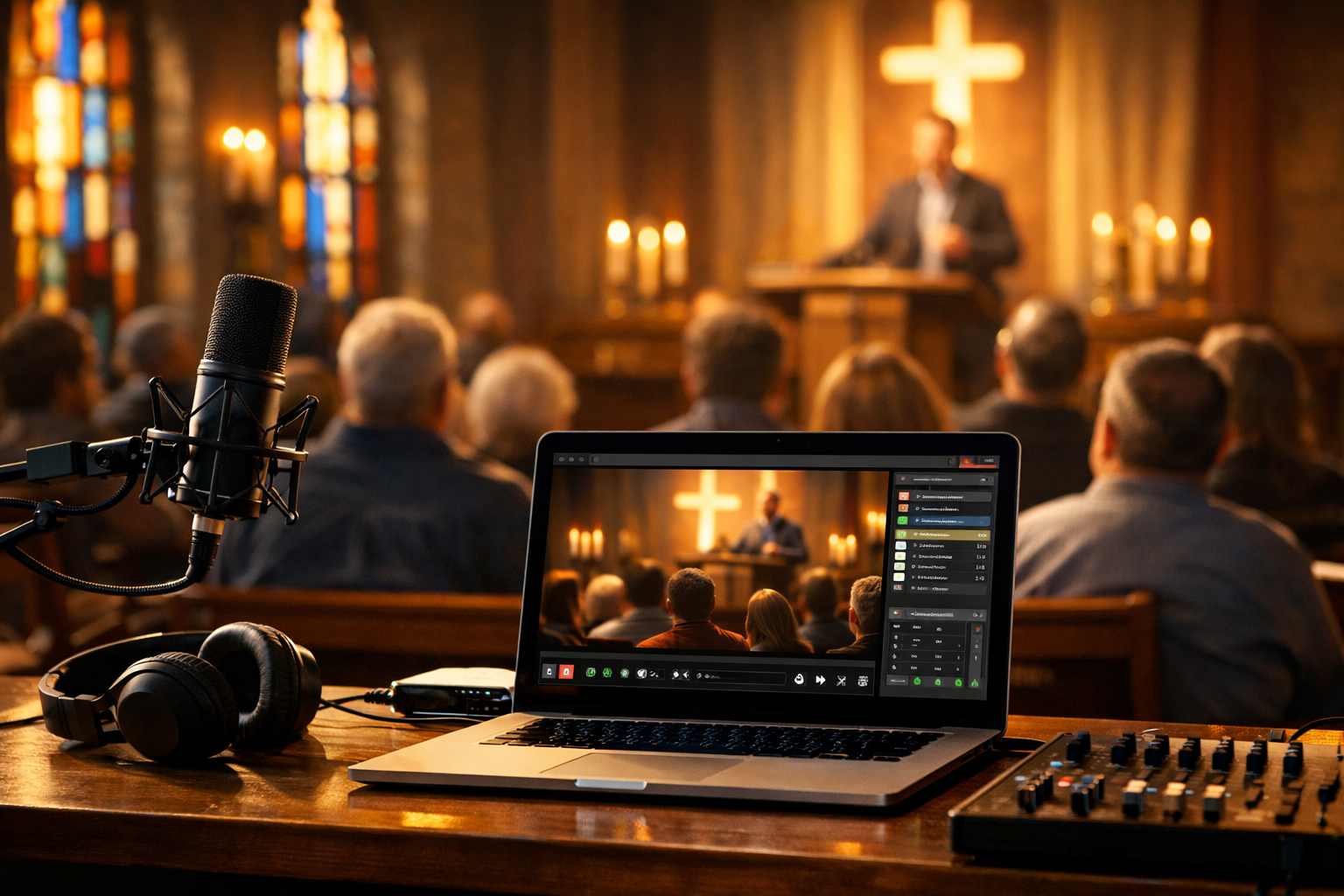
Why Church Live Streaming Matters in 2026
Church live streaming is no longer a temporary solution — it’s a core ministry channel. In 2026, congregations expect to access sermons, worship, and special events online just as easily as they scroll social media or tune into internet radio.
For churches, schools, ministries, and faith-based broadcasters, streaming expands your reach beyond physical walls. Homebound members, traveling families, shift workers, and even international viewers can stay connected in real time. And with reliable platforms like Shoutcast hosting or Icecast hosting, delivering high-quality audio to unlimited listeners is affordable and scalable.
Expanding Your Ministry Beyond the Building
A well-configured church live streaming setup allows you to:
- Reach members who can’t attend in person
- Connect with younger, digital-native audiences
- Create a searchable archive of sermons
- Launch a 24/7 Christian radio stream using AutoDJ
- Broadcast conferences, weddings, and special services
Many churches now operate like hybrid media ministries — combining live video, online radio, podcasting, and social media clips. The good news? You don’t need a broadcast truck to do it.
Pro Tip
Start with excellent audio before upgrading video. Viewers will tolerate average video, but poor sound will make them leave in seconds. For many churches, a high-quality audio stream alone — powered by Shoutcast or Icecast — is enough to serve their community effectively.
Essential Church Live Streaming Equipment Checklist
Before diving into cables and software settings, let’s outline the core components of a modern church live streaming setup.
1. Audio Equipment
- Main mixer (analog or digital)
- Pastor’s microphone (lapel, headset, or handheld)
- Worship microphones (vocal and instrument mics)
- Audio interface or USB output to connect to a computer
2. Video Equipment
- HD or 4K cameras (DSLR, mirrorless, PTZ, or camcorder)
- Tripods for stability
- Video switcher (for multi-camera setups)
- Capture card (if using HDMI cameras)
3. Streaming Hardware & Software
- Dedicated streaming PC or laptop
- OBS Studio, vMix, or Wirecast
- Encoder settings for Shoutcast or Icecast
- Reliable wired internet connection
4. Streaming Host
You need a professional streaming server to distribute your audio or video stream. Platforms like Shoutcast Net offer plans starting at $4/month, with 99.9% uptime, SSL streaming, and unlimited listeners.
Pro Tip
Avoid streaming directly from your church’s website server. Always use a dedicated streaming host. It prevents buffering, improves reliability, and ensures your stream can handle traffic spikes during holidays like Easter or Christmas.
How to Set Up Church Audio for Clear Sermons
If there’s one thing that defines a successful church live streaming setup, it’s clear, balanced audio. Sermons must be intelligible. Worship music must sound full — not distorted or muddy.
Step 1: Use a Dedicated Streaming Mix
Never rely solely on the main sanctuary mix. What sounds good in the room often sounds terrible online. Use an auxiliary output or separate bus on your mixer to create a custom stream mix.
Step 2: Connect Mixer to Streaming Computer
Run your mixer output into an audio interface or USB output. Then configure OBS or your encoder to use that input source.
Sample OBS Audio Settings:
Audio Sample Rate: 44.1 kHz
Channels: Stereo
Mic/Auxiliary Audio: USB Audio Interface
Bitrate (Shoutcast/Icecast): 128 kbps MP3 or 64 kbps AAC+
Step 3: Optimize Levels
- Keep average levels between -12 dB and -6 dB
- Avoid clipping (0 dB red zone)
- Use light compression on speech
- Add a limiter to prevent sudden spikes
For speech-focused church streams, 64–128 kbps is ideal. If you’re running a 24/7 worship radio station, 128 kbps MP3 or 64 kbps AAC+ provides excellent clarity with efficient bandwidth usage.
Pro Tip
Record a private test stream before going live. Listen on headphones, car speakers, and a smartphone. If speech is crystal clear on a phone speaker, your mix is ready.
Cameras, Encoders, and Streaming Software Setup
Video adds emotional connection to your church broadcast. Even a simple one-camera setup dramatically increases engagement.
Single vs Multi-Camera Setup
| Setup | Best For | Complexity |
|---|---|---|
| Single Camera | Small churches, beginners | Low |
| Two Cameras | Sermon + worship angle | Medium |
| PTZ Multi-Camera | Large churches & events | High |
OBS Encoder Settings for 2026
Video Resolution: 1920x1080 (or 1280x720 for slower internet)
FPS: 30
Video Bitrate: 4500 kbps (108p) / 2500 kbps (720p)
Encoder: x264 or Hardware (NVENC/QuickSync)
Audio Bitrate: 128 kbps
Always use a wired Ethernet connection. Wi-Fi is unreliable for live broadcasts. Your upload speed should be at least double your streaming bitrate.
Pro Tip
If your internet is unstable, prioritize audio streaming via Shoutcast or Icecast. Audio requires far less bandwidth and ensures your message is never interrupted.
Choosing the Right Streaming Host (Shoutcast & Icecast)
Your streaming host is the backbone of your church live streaming setup. Without a stable server, even the best equipment won’t matter.
Why Use Shoutcast or Icecast?
- Global compatibility with apps and media players
- Low-latency, high-reliability streaming
- Works with OBS and all major encoders
- Ideal for 24/7 radio-style ministry streams
At Shoutcast Net, plans start at $4/month and include:
- 7-day free trial (Start here)
- Unlimited listeners
- 99.9% uptime guarantee
- SSL secure streaming
- AutoDJ support for scheduled sermons and worship
You can explore plans in the hosting shop and launch your station within minutes.
Pro Tip
Use AutoDJ to replay your Sunday sermon throughout the week. This transforms one live event into continuous outreach content — without requiring staff to stream manually.
Launching, Testing, and Promoting Your Church Stream
Once your church live streaming setup is ready, don’t just go live and hope for the best. A structured launch ensures reliability and maximum impact.
Pre-Launch Checklist
- Test internet speed (minimum 2x your bitrate)
- Run a full rehearsal stream
- Confirm audio/video sync
- Verify Shoutcast/Icecast connection details
- Create a backup plan (mobile hotspot or secondary encoder)
Promotion Strategies
- Embed your player on your church website
- Share direct stream links via email newsletter
- Post weekly reminders on social media
- Create QR codes for bulletins and posters
- Launch a 24/7 online worship radio stream
Consistency builds audience loyalty. Start on time every week. Maintain predictable schedules. Archive and repurpose your content into podcasts and clips.
If you're ready to launch, you can start your stream today with a 7-day free trial and scale from just $4/month. Reliable, secure, and built for broadcasters — exactly what modern churches need.
Pro Tip
Treat your church stream like a radio station. Create intro music, branded transitions, and scheduled programming. Professional presentation builds credibility and keeps listeners engaged.
A well-built church live streaming setup isn’t just about technology — it’s about connection, accessibility, and impact. With the right audio foundation, stable hosting, and thoughtful promotion, your ministry can reach further than ever before.