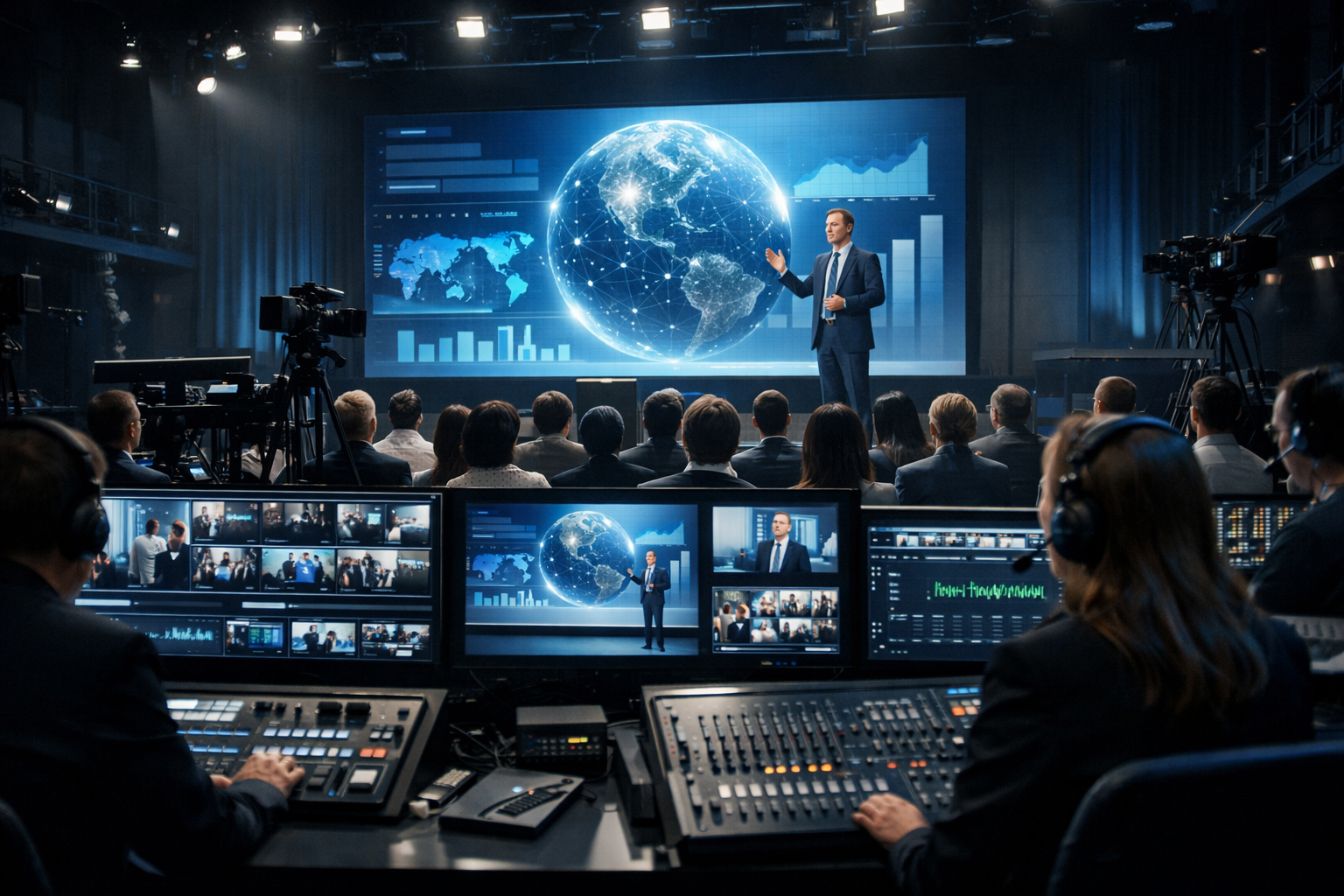
Video is no longer optional for modern broadcasters. Whether you're a radio DJ adding studio cams, a church streaming Sunday services, or a brand hosting live events, a video streaming server for business is the backbone of reliable, professional broadcasting.
In this complete 2026 guide, we’ll break down what a business-grade video streaming server is, which features matter most, how it compares to self-hosting, and how you can launch your own high-performance stream in minutes — without breaking your budget.
What Is a Video Streaming Server for Business?
A video streaming server for business is a specialised hosting platform that distributes live or on-demand video content to viewers over the internet. Unlike basic web hosting, streaming servers are optimised for:
- High bandwidth delivery
- Low latency streaming
- Continuous uptime
- Multiple concurrent viewers
- Secure encrypted delivery (SSL)
In simple terms, it’s the engine that takes your video feed from OBS, vMix, Wirecast, or hardware encoder and delivers it smoothly to your audience — whether that’s 5 listeners or 50,000 viewers.
How It Works
Here’s what happens behind the scenes:
- Your encoder sends video to the streaming server (usually via RTMP or similar protocol).
- The server processes and distributes the stream.
- Viewers connect through a web player or app.
- The stream is delivered in real time with minimal buffering.
Encoder (OBS)
   ↓ RTMP Push
Streaming Server
   ↓
Web Player / Mobile App / Smart TV
Why Businesses Need Dedicated Streaming Servers
Free platforms like social media may seem convenient, but businesses quickly run into limitations:
- Unpredictable algorithm visibility
- Ads placed on your content
- Limited branding control
- Risk of account suspension
- No ownership of your audience data
A dedicated streaming server gives you full control, brand authority, and reliability. That’s essential for monetised radio stations, subscription-based streams, church broadcasts, or professional event coverage.
Pro Tip
If you already run an online radio station using Shoutcast hosting or Icecast, adding video is a natural next step. Many broadcasters start with audio (from just $4/month) and expand into hybrid radio + video streaming as their audience grows.
Key Features Broadcasters Should Look For in 2026
Not all streaming servers are created equal. In 2026, expectations are higher than ever. Viewers demand instant playback, crystal-clear video, and zero buffering.
1. 99.9% Uptime Guarantee
Downtime during a live show damages credibility. Look for providers that guarantee 99.9% uptime backed by real infrastructure — not vague promises.
2. Unlimited or High Listener Capacity
Viral growth happens fast. Your server should scale without cutting off viewers. Shoutcast Net’s infrastructure is designed for unlimited listeners, so you’re never forced to upgrade mid-show.
3. SSL (HTTPS) Streaming
Modern browsers block insecure streams. SSL encryption ensures:
- Secure viewer connections
- No mixed-content errors
- Better SEO rankings
- Improved trust and professionalism
4. AutoDJ & Automation Integration
For radio broadcasters, integration with AutoDJ systems allows seamless switching between live video shows and automated audio playlists.
5. Detailed Analytics
Business decisions require data. Your streaming server should provide:
- Peak concurrent viewers
- Geographic listener data
- Bandwidth usage
- Historical reports
6. Easy Encoder Setup
Setup should take minutes, not hours. A professional provider gives you:
Server URL: rtmp://yourserver.com/live
Stream Key: ************
Port: 1935
Pro Tip
Before choosing a provider, test their control panel during a 7-day free trial. If you can’t configure your stream in under 15 minutes, it’s probably too complicated for long-term use.
Use Cases: Radio DJs, Podcasters, Churches & Live Streamers
Radio DJs & Music Stations
Studio cams increase listener engagement dramatically. Viewers love behind-the-scenes access. Adding video allows:
- Live DJ performance streams
- Artist interview broadcasts
- Sponsored branded segments
- Monetised premium memberships
Podcasters
Video podcasts perform better on search engines and social platforms. A dedicated streaming server ensures:
- No platform restrictions
- Full ownership of content
- Embedded players on your own website
Churches & Religious Organisations
Churches need reliability above all else. Sunday service downtime is not acceptable. A business streaming server provides:
- Stable global delivery
- Secure private streams (if needed)
- Consistent quality for elderly viewers
Schools & Community Stations
School radio stations and campus broadcasters use video to:
- Stream sports events
- Broadcast assemblies
- Host student talk shows
Live Event Streamers
Conferences, concerts, and corporate events rely on stable infrastructure. A professional server ensures your sponsors and ticket buyers receive uninterrupted access.
Pro Tip
Combine audio streaming via Shoutcast with video streaming to reach users on low-bandwidth connections. Offer both options and let your audience choose.
Self-Hosted vs Managed Streaming Servers
One of the biggest decisions businesses face is whether to self-host or use a managed streaming provider.
| Feature | Self-Hosted Server | Managed Streaming Provider |
|---|---|---|
| Setup Time | Hours or days | Minutes |
| Technical Skill Required | High | Low |
| Maintenance | Your responsibility | Provider managed |
| Uptime Reliability | Depends on configuration | 99.9% SLA |
| Cost Predictability | Variable | Fixed monthly pricing |
While self-hosting offers full control, it requires Linux server management, firewall configuration, security hardening, and constant monitoring.
Managed providers like Shoutcast Net remove the complexity. Starting from just $4 per month for audio streaming, you can scale affordably while benefiting from professional-grade infrastructure.
Pro Tip
Unless you have a dedicated IT team, managed streaming almost always provides better long-term ROI. Your time is better spent creating content, not patching servers.
Pricing, Scalability, and 99.9% Uptime Explained
Understanding Bandwidth Costs
Video consumes significantly more bandwidth than audio. For example:
- Audio stream: 128 kbps
- HD Video stream: 2500–4500 kbps
That’s why scalable infrastructure matters. Your server must handle spikes without crashing.
Why 99.9% Uptime Matters
99.9% uptime equals less than 9 hours of downtime per year. For businesses, that reliability builds:
- Audience trust
- Advertiser confidence
- Professional reputation
Predictable Monthly Pricing
With managed hosting, you avoid surprise bandwidth invoices. Plans are transparent, scalable, and designed for growth.
You can explore available packages in our streaming shop and compare features based on your needs.
Pro Tip
Start with a realistic bitrate based on your audience’s internet speed. For churches and community stations, 720p often provides the best balance between clarity and accessibility.
How to Launch Your Video Stream in Minutes
Launching your stream doesn’t need to be complicated. Here’s a simplified roadmap:
Step 1: Choose a Reliable Provider
Sign up for a 7-day free trial to test performance risk-free.
Step 2: Configure Your Encoder
Enter your server URL and stream key into OBS or your preferred software.
Step 3: Embed the Player
Add the provided embed code to your website. Ensure it uses HTTPS for secure delivery.
Step 4: Go Live
Click “Start Streaming” in your encoder. Within seconds, your broadcast will be available worldwide.
Bonus: Add Audio Backup
Use AutoDJ to maintain continuous broadcasting even if your live encoder disconnects.
Whether you’re a solo DJ, a growing podcast network, or a church serving thousands, the right video streaming server for business gives you reliability, scalability, and full control over your brand.
Pro Tip
Don’t wait until your audience outgrows free platforms. Launch your professional streaming infrastructure today and build on a foundation you control from day one.